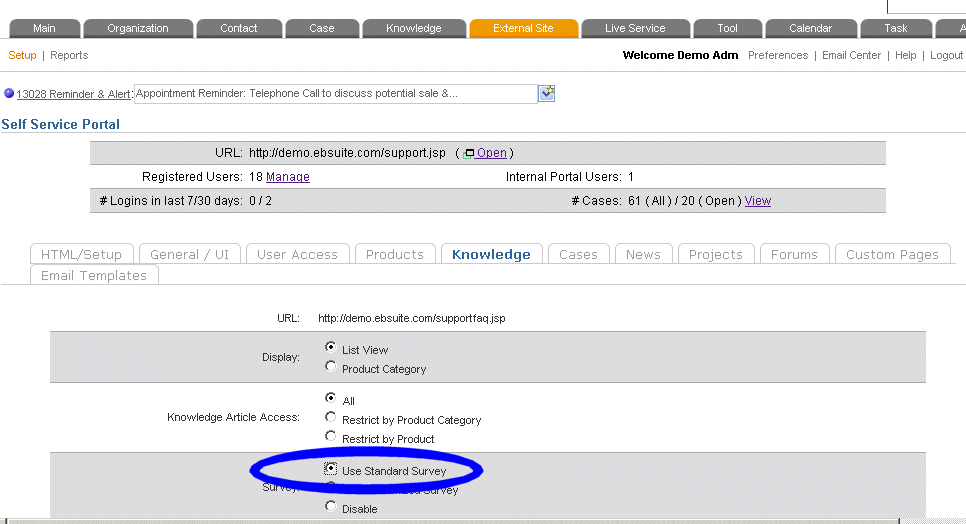
- Navigate to (Support Module)External Site->Setup, and choose the [Knowledge] section. Click on the Survey: Use Standard Survey bullet, and submit.
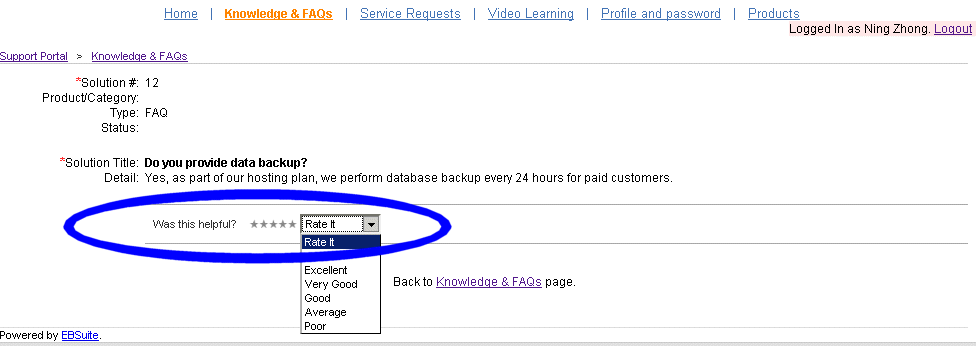
- Now navigate to your support portal, and at the end of each knowledge article, you and your support portal visitors should see the standard 5 start rating survey:
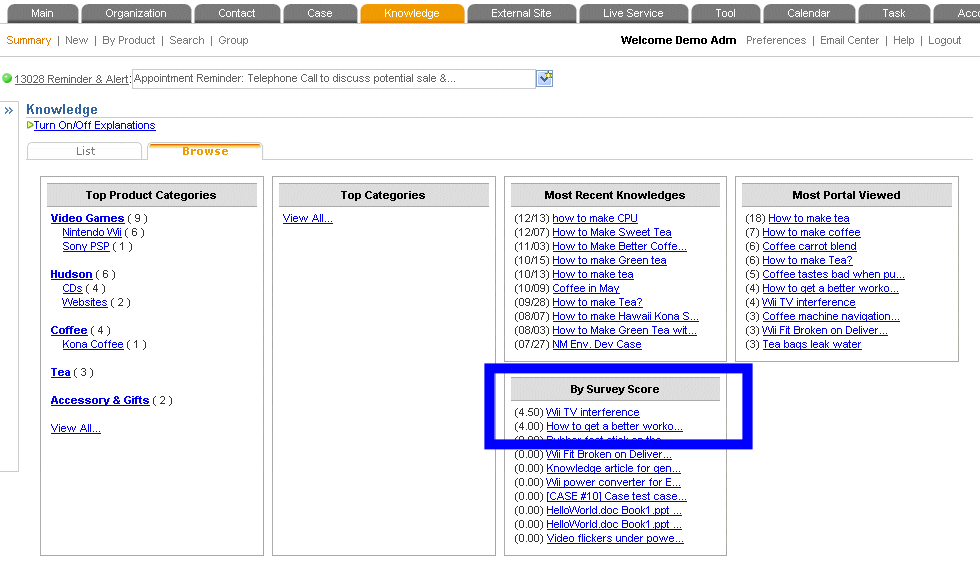
- Then inside the application, in various places, like reports, portlets, sidebars, and in the screenshot below: Knowledge -> Summary -> Browse, you can view the knowledge articles by their scores. (Score is the average of the above survey score: Excellent = 5, ... Poor = 1 )
|


