In EBSuite CRM, Inventory Product & Cateogry is one of the very first items that you need to setup. This is because products and their categories are tied to many other entities in the backend, such as opportunities, cases, product interest, etc. However, you can still change a product's category after other types of transactions has been recorded.
- In Account->Product Category, do a product search.

- Multiple select the products you want to update, and click on "update value"

- Specify "Category" in the field dropdown, and choose the desired category you want to update to

- And after one more confirmation click, you will see the following message.
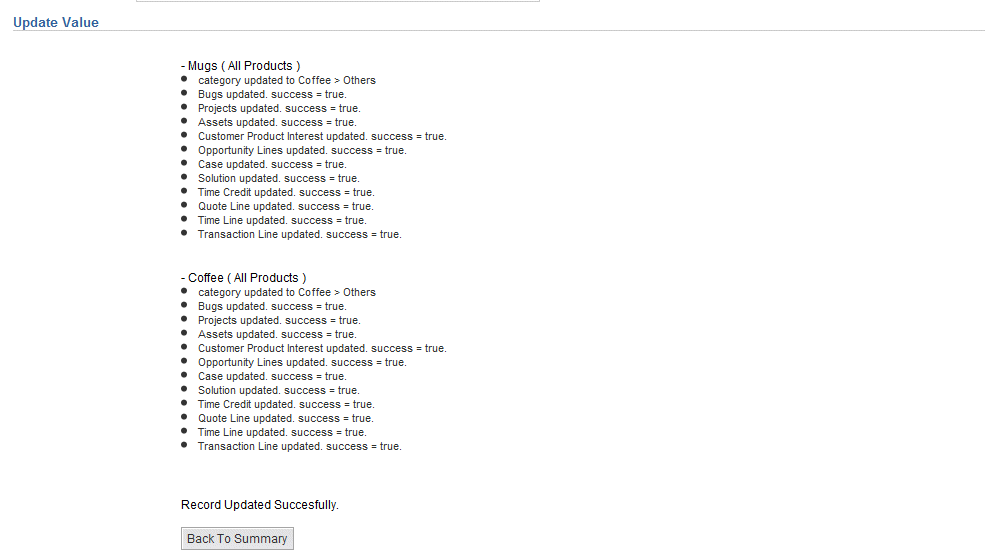
And as you can see we not only updated the product entries themselves, (the category now points to the new value), but also all the other data entities (bugs, projects, assets, product interests, opportunities, cases, ...) that might be affected by this update.
|


